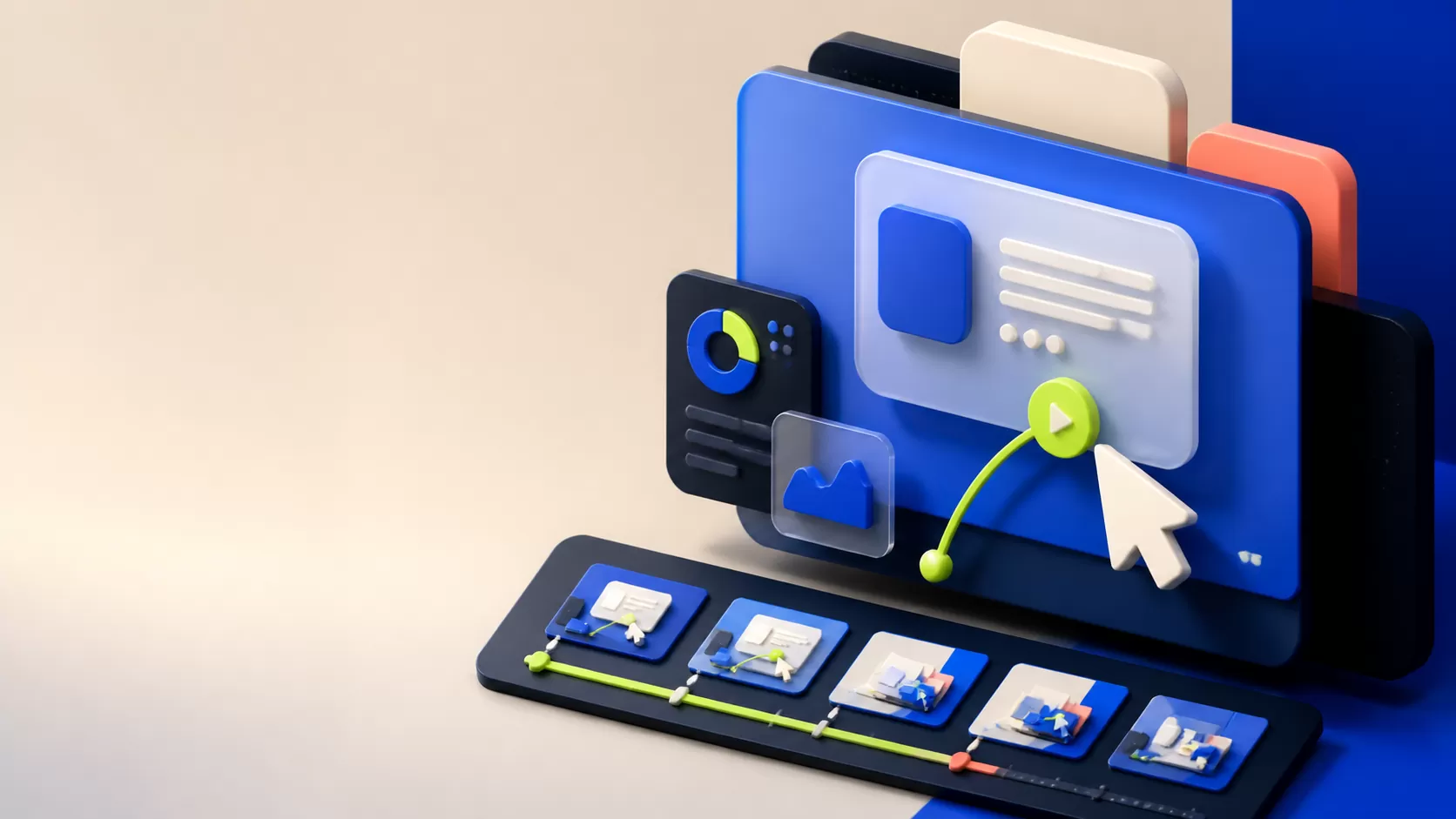
A B2B video storyboard turns a spoken explanation into decisions about what the viewer will see. It is the point where a team can test sequence, product accuracy and visual evidence before investing in full animation. Attractive frames are useful only if they form a coherent explanation together.
Connect each frame to a narrative job
For every scene, write the narration, the main visual, the important on-screen text and what changes during the shot. State why the scene is there: introduce the problem, reveal a workflow step, provide evidence or prepare the next action.
Use rough frames early when the sequence is still unsettled. A simple sketch can expose missing logic without inviting a lengthy discussion about final illustration details. Move to a representative style frame once the story and visual relationships are clear.
Make interface and motion decisions explicit
Annotate camera movement, highlights and transitions that cannot be understood from a still image. If one screen transforms into another, explain which elements stay visible so the audience keeps its orientation.
Check product screens against the approved version. Show sample data that supports the scenario without exposing confidential information. A storyboard is also the right place to notice unreadable labels, crowded captions or a claim with no supporting visual.
Review sequence before polishing isolated shots
Walk through the frames in order with the narration. Ask reviewers to comment on comprehension and accuracy first, then visual preferences. Record approval of the sequence and call out any unresolved product or claim questions.
Use a rough animatic when pacing or transitions are important. It can reveal that a frame needs more reading time or that the narration reaches the next idea before the visual has finished. Resolve these issues before detailed animation makes changes expensive.
Every important sentence has a visual job, every product action is accurate, and the sequence makes sense without an extra presentation from the creative team.
A practical checklist
- Pair narration with visual intent.
- Annotate motion and scene transitions.
- Check UI, sample data and text legibility.
- Review the complete sequence.
- Resolve open questions before full animation.